Notion
One dev can only have 1 card in DOING / On Progress column
Notion card have 2 different types:
- Story: for new feature
- Bug: for bug
More information about User Story
Card Format
Title
The title of your card should be short, start with an [ENTITY] followed by a verb, and the first letter should be in CAPITAL letters.
[ORDER] Add multi order view
Description
Try to use same word than we use in code when writing title, description specially to design entity in code (like pes, orders, users),
You can also duplicate in chinese if you want or add around details in chinese.
User Story Template
As a [user] I would like [enhancement] so that I can [benefit realized]ex:
As a user, I would like to add items to my cart so that I can buy theminfo Bug Template
What is bugging
How to make the bug happening
ex:
Complete order

When i click to finish an order, it can't be completed
DON'T follow those rules as minimum, you can enhanced them, like changing a color of existing elements, please provide screenshot from before and color code from before and after.
Notion card never have enough details, don't worried about writing a lot on it to help everyone understanding what's about.
For example:
Make a todo-list:
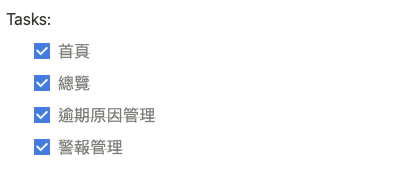
Todo(or Tasks):
  [] Task1
  [] Task2
Test:
  [] Test 1
  [] Test 2
Format the content:

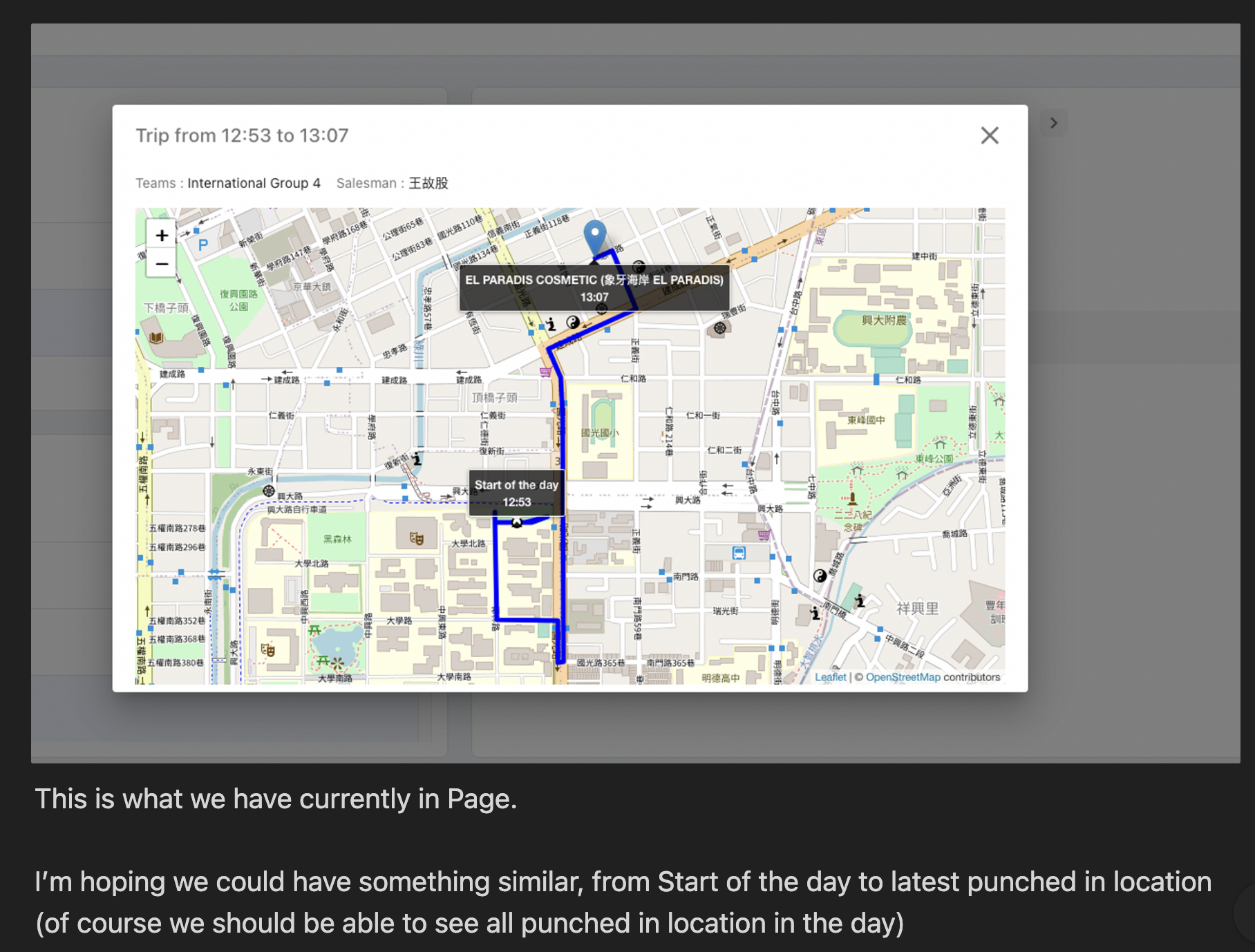
Add screenshot or recording
Due date
The due date should be the deliver date to the client. We also should use card's priorities properly to update them when due date is coming.
Finishing a Notion card as dev
When the dev put the card in "code review", he should give a hint or upload a screenshot in the comment section to help with the testing.(for example the task location, or some details on how to test this feature)
Additionally, we should add labels inside the card to show more details about the type of card we are using. Like this :
- new feature
- enhancement
- bug
- request by client
- emergency